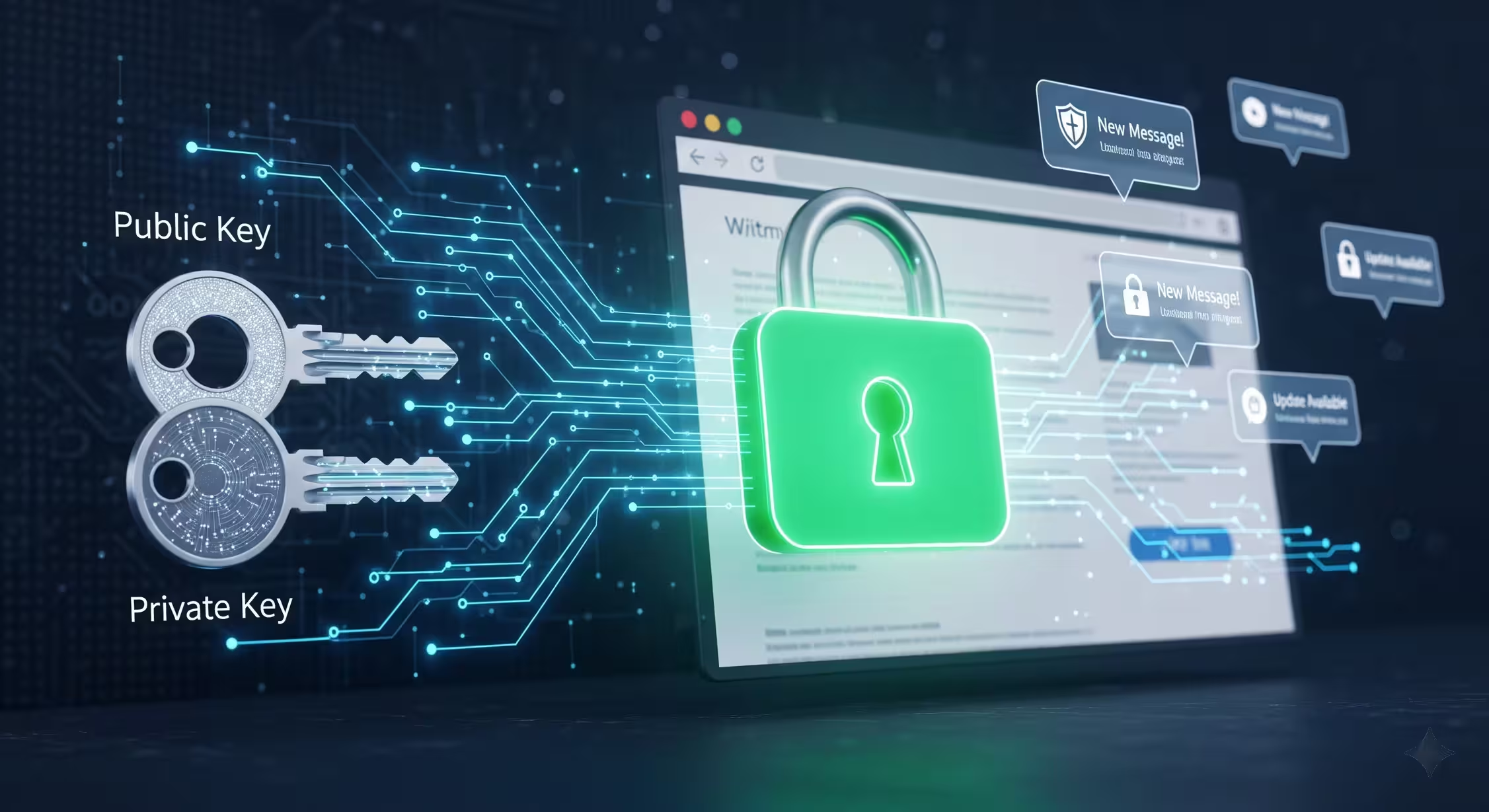
The Question: How to Send Web Push Notifications?
For Android apps, we know we can get an FCM token and send push notifications easily through Firebase.
But how do we send web push notifications through a browser?
Yes, we can do it easily via Firebase. But I didn’t understand how it actually worked.
So I wanted to do it manually. As my first step, I asked Gemini…
He said a lot of things and also told me, “Don’t try to do it manually. It’s harder. Use Firebase.”
I don’t know why, but I wanted to do it manually anyway.
The Flow
User (a visitor on my website through their browser) first wants to allow notifications.
Then browser generates unique key values with a URL, and we need to store those keys in our database.
Then, using those keys from the backend, we can send a notification for that user.
Easy? But not too easy.
Step 1: Generate VAPID Tokens
First, we have to generate VAPID tokens to manage these things in a secure way.
You can easily generate this token from vapidkeys.com. It asks for your email, then generates a public key and private key. (This is where encryption and cryptography come in!)
Step 2: Browser Generates Unique URL
However, using that public key, after the user gives notification permission, the browser generates a unique URL. Firefox generates a Mozilla URL, Chrome generates a Google URL - different browsers generate different URLs.
Within that user’s permission, we can run a simple JavaScript worker through the browser. Even if the user closes my website, the JavaScript code stays in the browser. When a notification comes, this worker can run in the background.
You can check this through the developer tools → Application tab.
Then you can see what workers are running in the browser and what you allow to receive push notifications.
Step 3: Send the Notification
Using my private key and public key, with the generated unique object key values, we can simply send the notification. We can add images to that notification too.
I tried this locally. Most things didn’t work because it doesn’t allow HTTP. You have to use HTTPS. So I used ngrok.
Yes, it works! I did these things with PHP because I could easily understand it.
If you’re more interested, you can check the complete codebase on GitHub.
Why Does It Ask for Email?
When generating my private key and public key, it asks for email too. But why?
The reason is that Google, Mozilla, Apple, and other browser providers can notify us if something unusual happens with our push notifications or if spam comes through. They warn us before blocking our domains. That kind of thing can happen.
Encryption and Cryptography
So why do I say crypto and encryption?
The main thing happening in the background is encryption - nobody shouts about it.
Here’s how it works: The website generates a private key and public key. I never expose the private key, but I publish my public key. Using that, the browser sends something with encryption. Only someone who has the private key can read that.
This kind of security comes with this approach. Not only that, for these encryptions, we use elliptic curve cryptography with an asymmetric encryption method.
There are two main methods:
- Asymmetric encryption - public key and private key
- Symmetric encryption - same key for both
I had to learn those too. Those were very interesting! There’s also a method called hybrid method - how messages are passed and encrypted. There are many things involved.
I watched two very understandable YouTube videos. Below I’ll embed them:
The Practical Implementation
It was theoretical at first. But then it became practical. I had to use two libraries to calculate the encryption, sign with VAPID key, and send to Google Chrome or Mozilla Firefox.
Gemini said to me, “Never try to do it manually by yourself now.” But I learned the mathematical part.
So I agree with him, and I continue with libraries.
Now: Using Firebase
Now I think I can add push notifications to my personal website. If someone is interested, they can allow notifications. I’ll try it too.
But for that, I don’t want to use the manual approach above. Firebase does all of it for totally free. I’ll see.
- P.S.: I have added the above push notification system to my personal website. You can click the notification icon above and allow notifications. Then, you will receive notifications when I publish new blogs.